
Email a customer from a booking or inquiry
Compose and send a one-off email straight from a booking or inquiry -- with merge fields, attachments, the trip PDF, and a test send -- to one customer or many at once.
12 articles
Reach your customers without leaving the backoffice. You can send a one-off email straight from a booking or inquiry, save reusable templates for the messages you send over and over (meeting-point directions, document requests, review requests), and automate emails and WhatsApp messages with notification rules — for example a thank-you when a booking is confirmed, or a reminder a few days before the trip.
Most of this is set up in one place: Settings → Emails, WhatsApp & SMS.
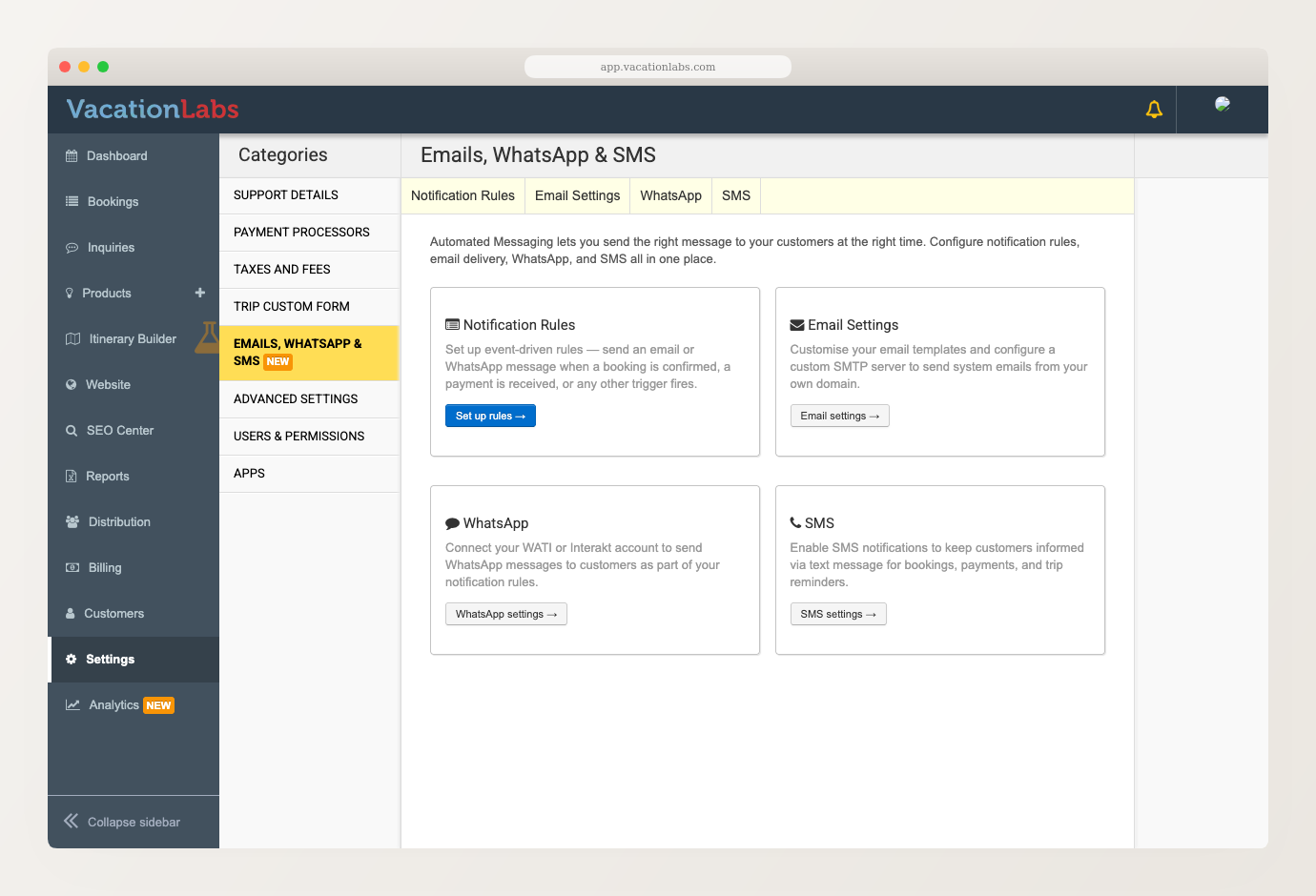
Sending one-off emails from a booking or inquiry is available to everyone. Saving templates and email automation rules depend on your plan, and WhatsApp messaging needs a connected provider (WATI or Interakt). If something isn’t on your plan, contact support@vacationlabs.com.
Compose and send a one-off email straight from a booking or inquiry -- with merge fields, attachments, the trip PDF, and a test send -- to one customer or many at once.
Send a one-off email or WhatsApp message to all the customers on a specific departure -- by booking status, to contacts or every passenger.
Save the emails you send often as reusable templates -- subject, message, and attachments -- and pre-fill the composer with one click next time.
Send emails and WhatsApp messages automatically when something happens -- a booking is confirmed, a payment comes in, or a set number of days before or after a trip.
Connect a WhatsApp provider to send WhatsApp template messages -- automatically on booking events through notification rules, or to all participants in a departure.
Control who gets booking confirmation, update, and cancellation emails — managers, non-users, and all participants.
Overview How to Set Up a Pre-Trip Email Adding Email Content Choosing When to Send the Email How to Set Up a Pre-Trip Email A Pre-Trip email can be used...
Overview How to Set Up a Post-Trip Email Adding Email Content Choosing When to Send the Email How to Set Up a Post-Trip Email Post-Trip emails let you f...
Overview In addition to the regular booking form (where customers provide details during the booking process), Vacation Labs also offers a Post Booking ...
Modifying Emails & SMS This section allows you to modify the text for the customer-facing emails for eg Booking confirmation email, Booking modificatio...
Our bookings management system allows you to send SMS notifications to your custom ers when they book a tour. There are 3 types of SMS notifications ava...
Vacation Labs Bookings Management system allows you to send SMS notifications to your customers whenever they book a tour with you. These SMSs follow a...