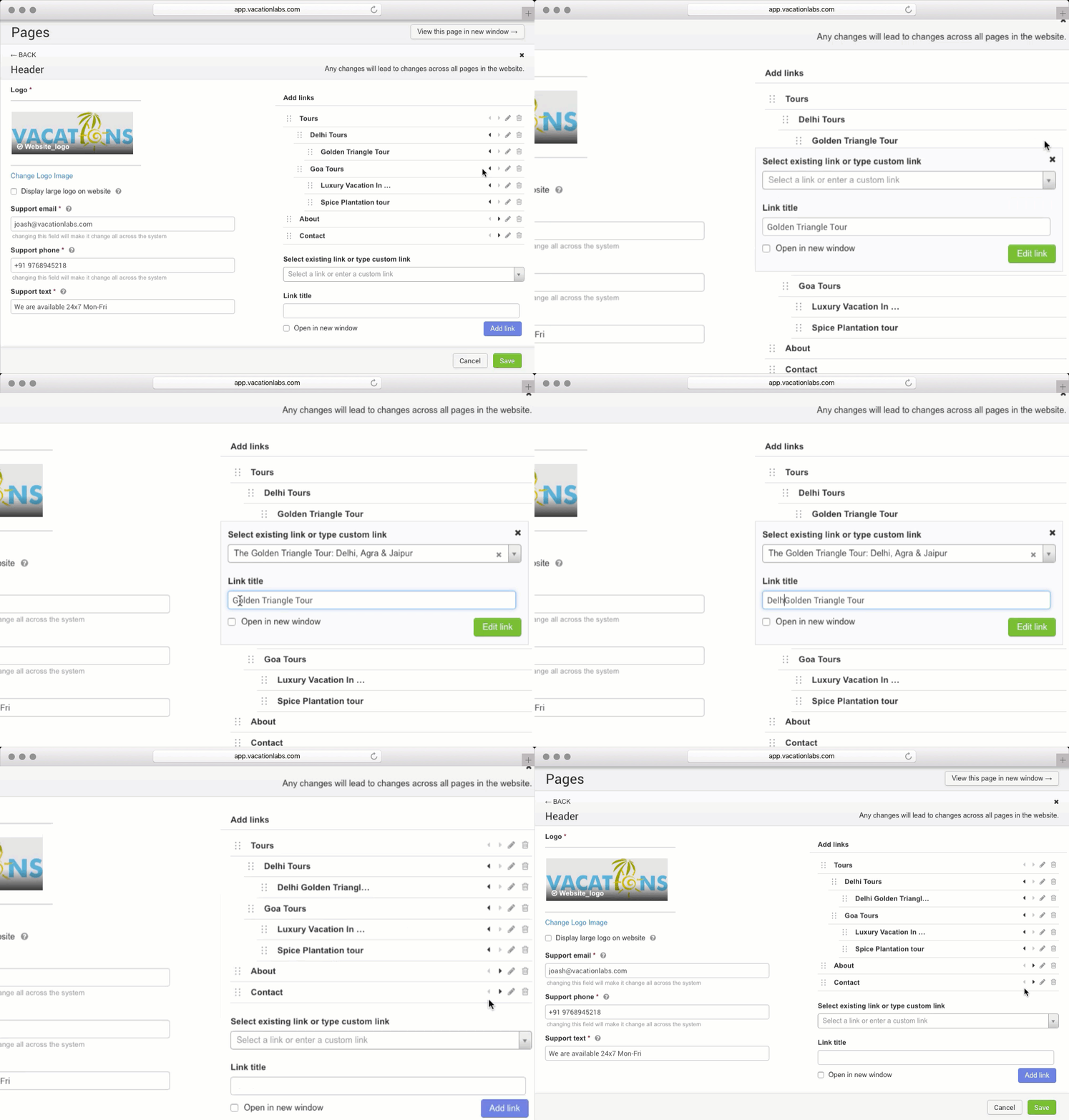
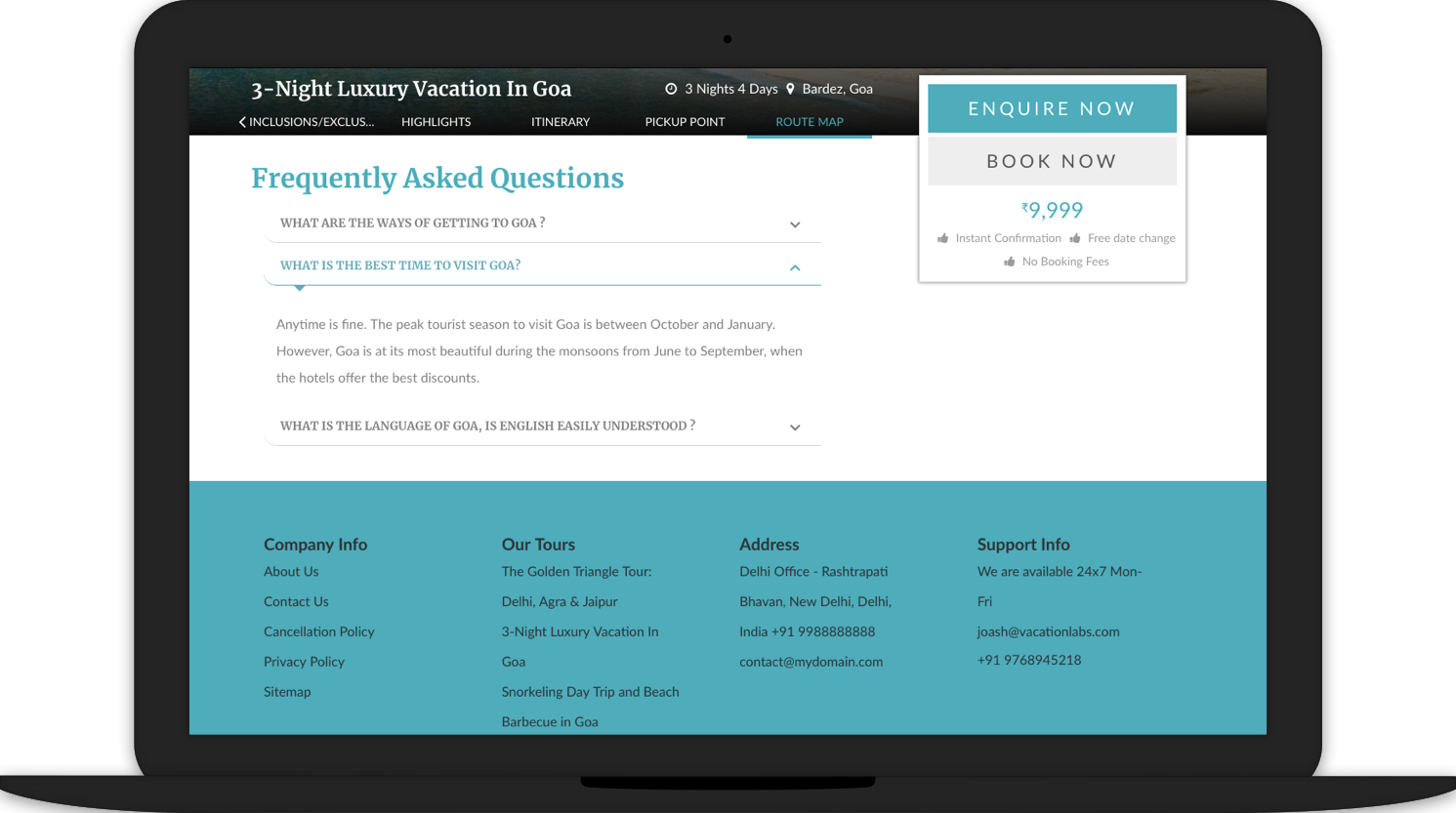
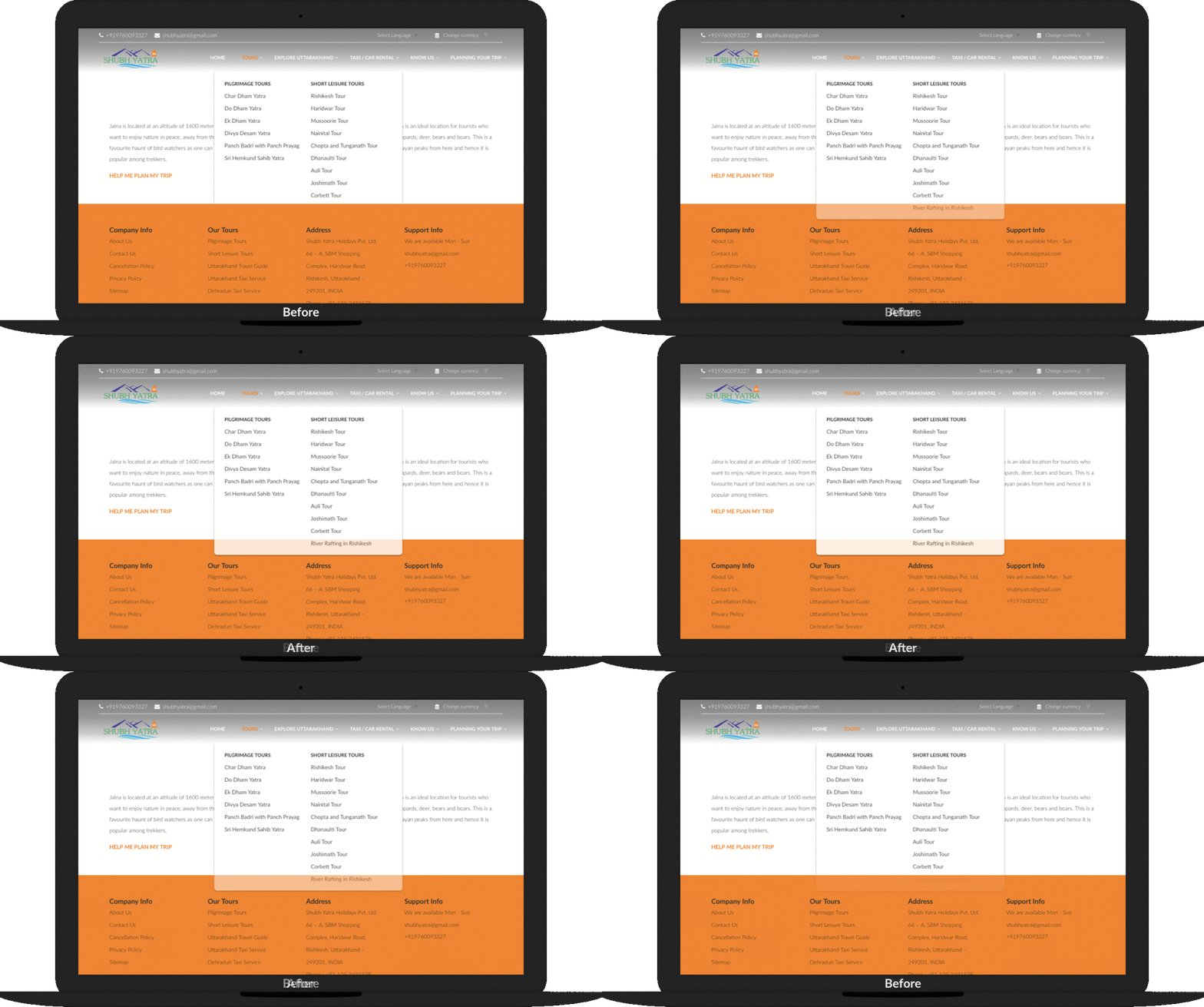
Back in 2013, more than 50% of our users were on screens that were only 1024 pixels wide. This forced us to put the navigation-menu on top of the screen. Fast forward to 2018, where 99% of our users are on screens that are wider than 1024 pixels (with approx 50% of being on 1366 x 768 screens). This “evolution in resolution” has allowed us to move our navigation into a collapsible “side menu”, and has also made space for more modules that we will be launching shortly!

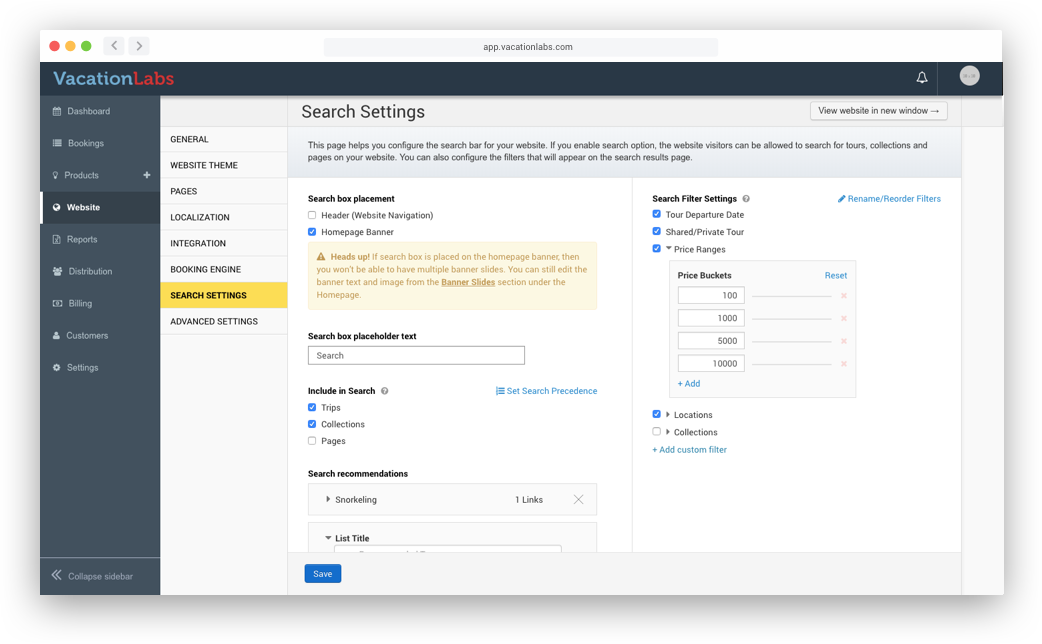
In January this year, we had launched a powerful site search feature, to help end-customers quickly find tours on your website. While this feature was built to be configurable from ground-up, we had consciously decided to save development time by not building a configuration panel for it. Instead, we were relying on manual support tickets to configure it on your behalf.

Over the past few months, our team has been inundated with support tickets requesting various configuration tweaks. This month, we’re happy to have solved this problem.

Head over to “Website > Search settings” to take complete control of site-search on your tour website. Using this screen you can:

Vacation Labs Booking Engine is now integrated with First Atlantic Commerce, which is a popular payment processor in the Caribbean region.
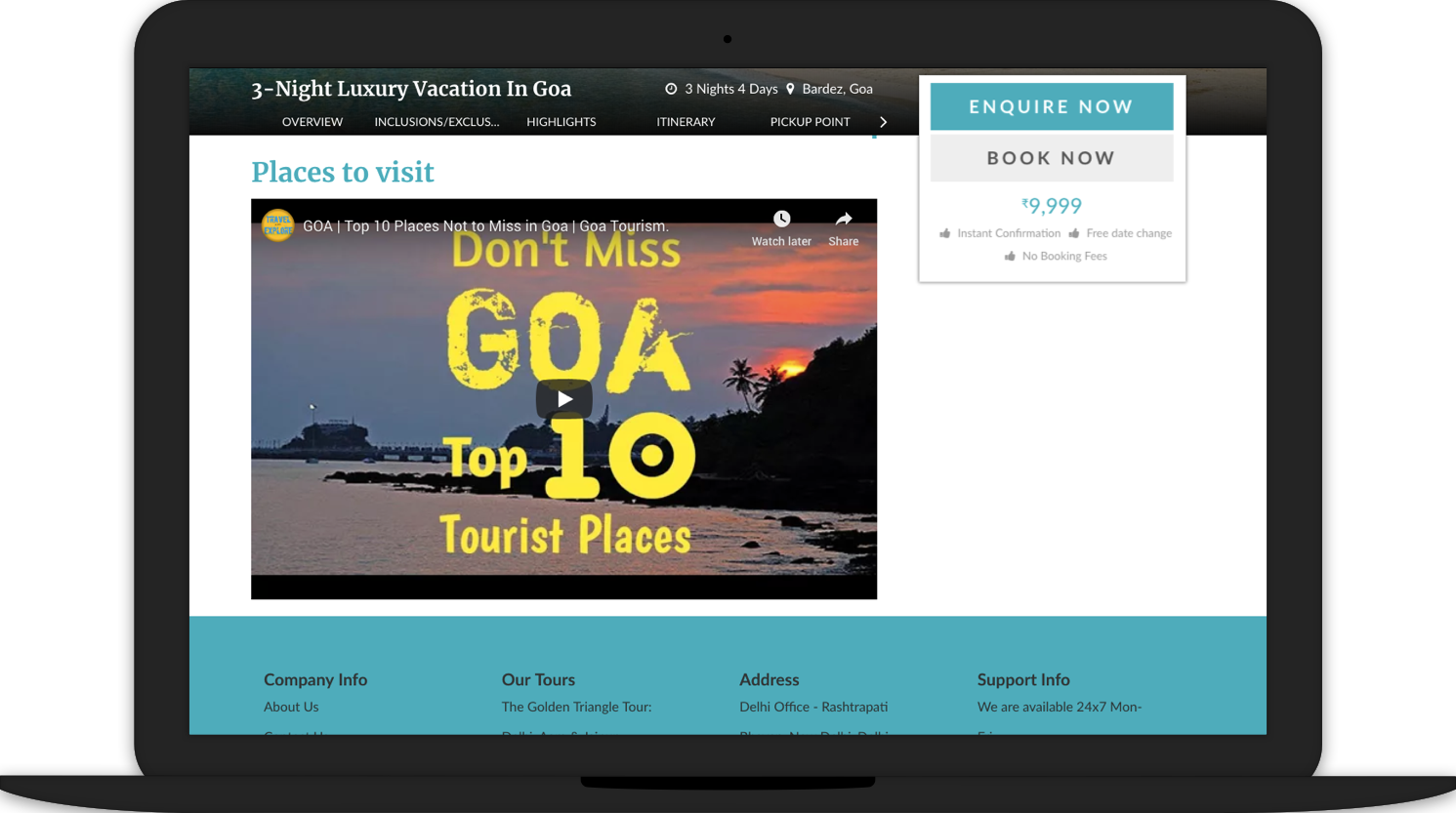
Our tour pages always had the ability to add more sections of content over and above the standard sections (overview, highlights,inclusions / exclusions, etc.). This was achieved by adding custom-fields to tours, for things like, “best months for travel”, “difficulty level”, or “travel theme”.
However, there were cases where one needed complete control over the formatting & display of content on the tour page. To support such cases, we’ve added a new type of field, called “Custom HTML”. It’s an advanced feature, and you need to know some HTML to use it, but it can allow you to do things like: