See Who’s Logged Into Your Account with Session Tracking
Release Notes • August 1, 2025 • Saurabh Nanda
Your admin profile page now shows a list of active sessions — including the IP address and browser for each login. This makes it easy to spot unauthorized access or see if someone else is logged into your account.
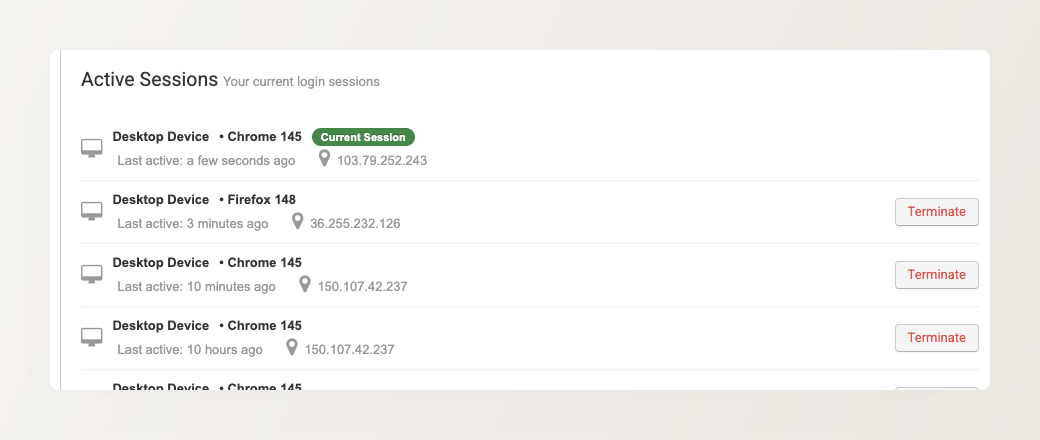
Go to Backoffice > Your Profile (click your name in the top-right corner) to view your active sessions.
