
Product Updates • April 9, 2026 • Saurabh Nanda
I’ve been experimenting a lot with AI. Firstly, for the personal use-cases, like helping write emails, or long documents, or helping research some ideas. But more importantly I’ve been increasingly trying AI out for the more business-critical stuff at Vacation Labs. Stuff involving multi-step workflows that involve hand-written AI agents, long prompts, or integrations with custom data sources.
This post is an account of a (partial) success story of AI being used on a weekly basis in a business-oriented workflow (as opposed to a personal use-case) at Vacation Labs.
Before I describe the AI-powered solution, let me describe the problem first.
Support articles for Vacation Labs were powered by Zoho Desk for about 7-8 years[1] (2017-2025, or thereabouts). Initially we were happy that the same system allowed us to co-locate support tickets with support articles. We started writing support articles with the expectation that we would be able to use them to answer basic/repetitive queries. And in the process build a repertoire of keyword-rich and highly relevant content pages, helping us in SEO.
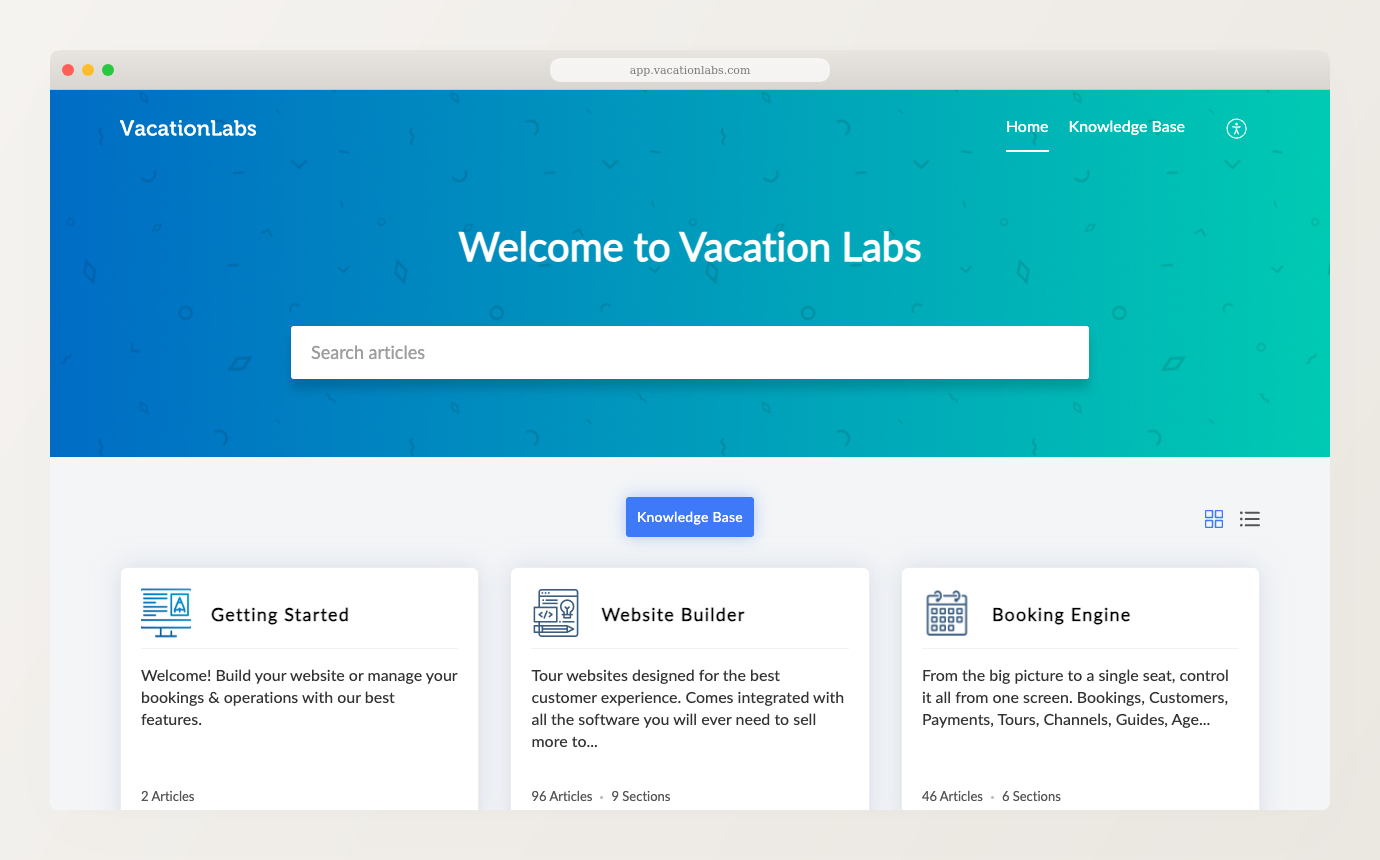
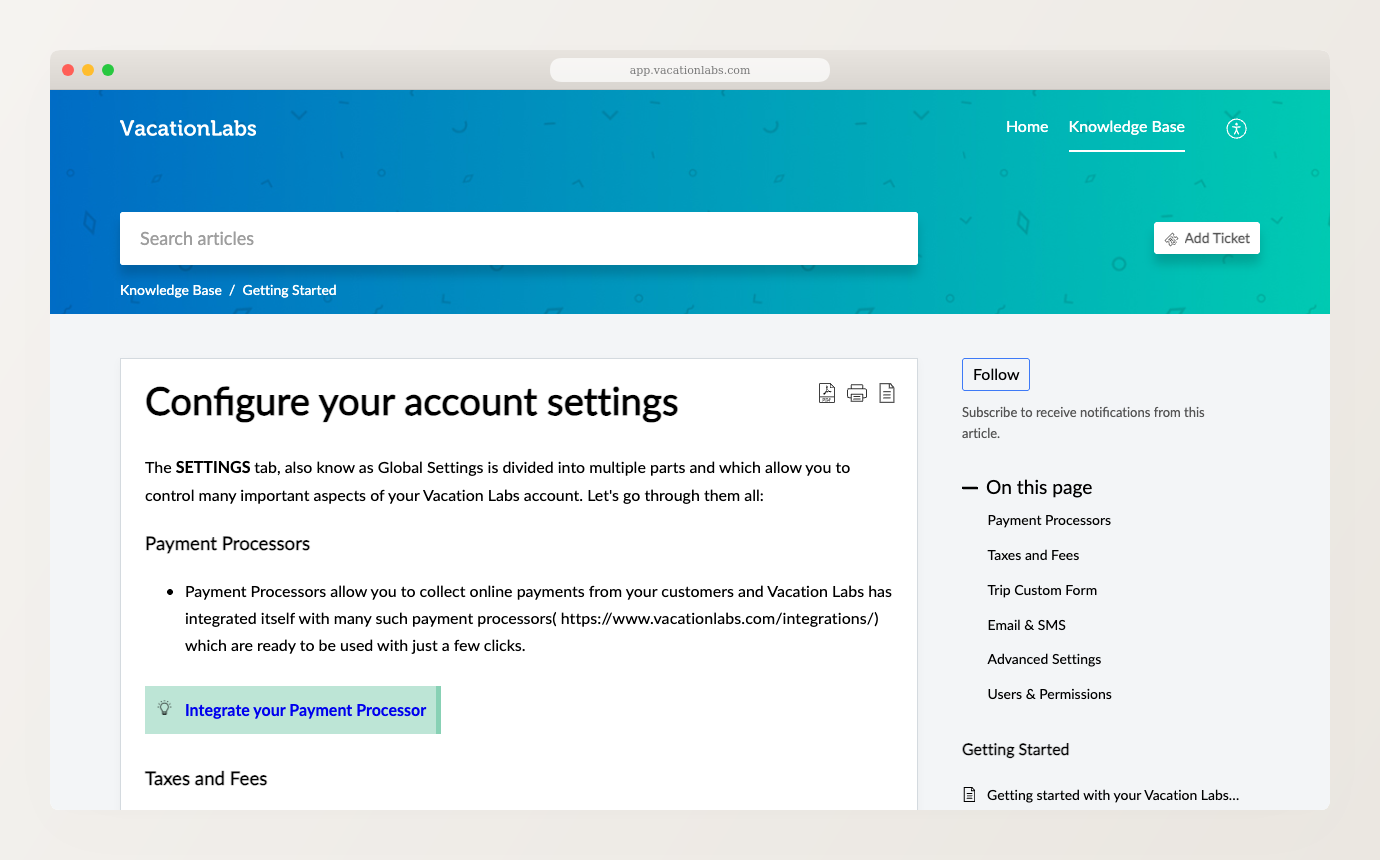
Good in theory, but here’s what happened in practice (and here’s where the problem lied):
When I started experimenting with a custom support bot to solve #1 from above, I ran into another problem. Zoho Desk’s article editor did not enforce any structure and most articles were just badly structured HTML blobs. Over the years each team member had done something different: copy-pasted MS Word Docs into it (tonnes of random style tags), formatted bullet lists as headings, added multiple H1 tags, and so on. Cleaning this up into something that could be fed into a RAG[2] was what drove me to take a step back and solve the problem more holistically…
The very first step was to move the existing Zoho Desk articles from the subdomain (help.vacationlabs.com[3]) to our main domain, i.e. www.vacationlabs.com/help.
I must admit I vibe-coded large parts of this code/tool. I got Claude Code to write a nodejs tool that would…

But, a big callout. This vibe-coding was NOT a one-shot pipedream, where I was just sipping coffee and watching Claude Code do all the work. No. I had to be involved and alert throughout the process.
More on this in the “Takeaways/learnings” section below.
This v1 solution solved the SEO problem and gave us a good tech/tooling base to build on top of. However, it didn’t solve the problem of stale support articles themselves (we’ve had instances where a support article was written 17 months after a feature was launched!)
This is where things got interesting.
Based on my past experiments with using a CustomGPT to write short blog posts about new feature releases, I already knew that the AI had to be given actual business / real-life context to be able to come back with something meaningful. A short paragraph about the new feature, and a list of test cases, was enough to get a CustomGPT to churn-out a meaningful blog post, which was tweaked by a human, and finally posted on our blog.[4]
I ran with it and focused more on the workflow[5] and coming up with solutions like article “overlays” and “shadowed” articles:
We came up with the concept of overlays, where the overall “legacy” article is retained so that it can still be edited directly in Zoho Desk, but we have the ability to add a “Callout” / “Notice” to the top (or bottom) of the article talking about a new tweak / minor feature. On the other hand a “shadowed” article was one where the Zoho Desk article’s markdown file was “shadowed” by a new file with completely new content, but published at the same URL as the Zoho Desk article.
Basically, tweaking the workflow plumbing while quickly skimming through the AI-generated articles because they look plausibly correct.
Towards the end of my plumbing iteration cycles, I finally tried following the steps given in one of the support articles end-to-end.
And then it hit me — the AI was confidently hallucinating.
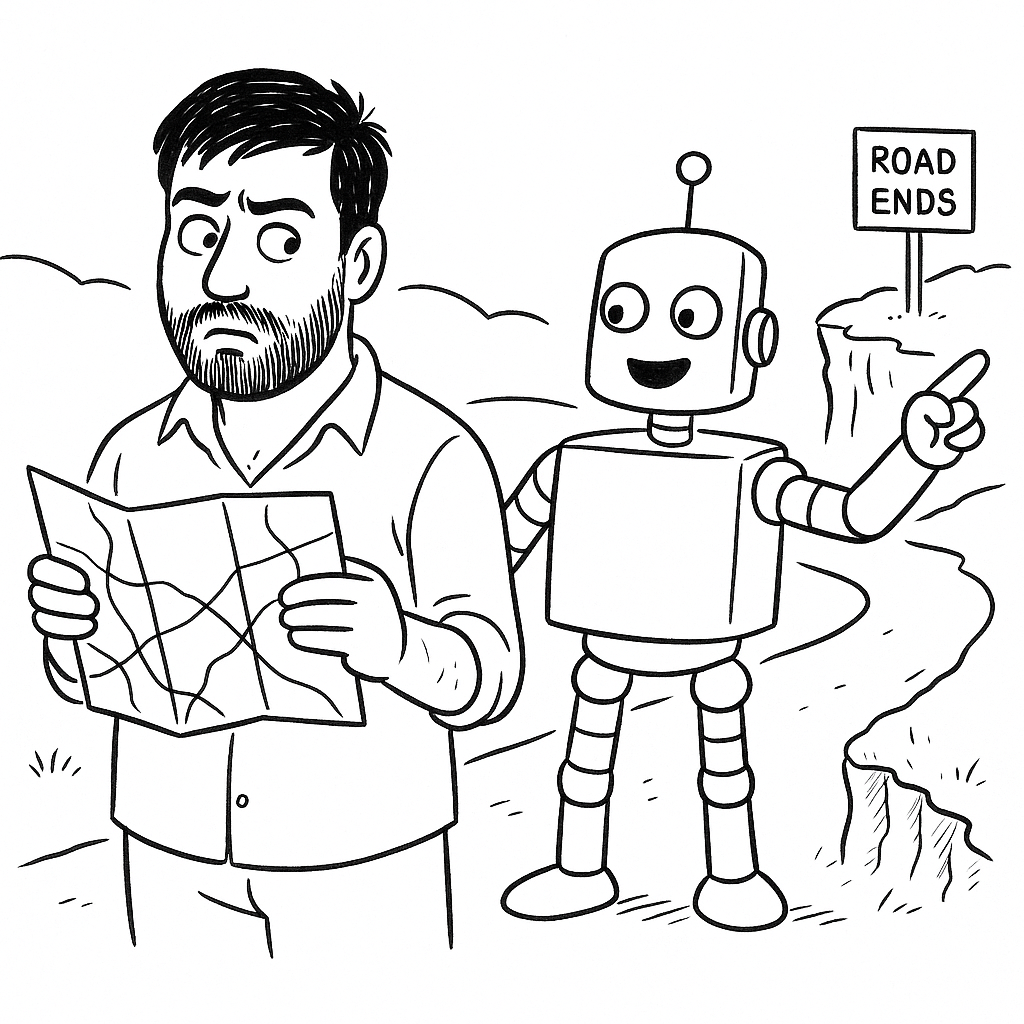
a) It was literally inventing features that didn’t exist, just because they sounded plausible, e.g. it saw “published date” as a field in our blog description and dreamed up a whole flow where this field was used to schedule posts for future (not the case; it’s simply used to control the order of the post on listing pages)
b) It was coming up with plausible sounding navigation paths which didn’t actually exist in our UI, e.g. Accounts > Settings > Billing details > Saved cards (none of this exists in our UI!)
c) For a “payment resync” feature (which is about re-syncing a payment against a payment gateway when a PG callback fails), it confidently wrote a step-by-step guide on how to sync offline payments — payments entered directly by the operator with no payment gateway involved. Offline payments have no PG to sync against. The workflow it described is literally not possible.
And then a whole new cycle of “grounding” the AI output in verifiable truth started. Multiple additional “enrichment” passes were added to the AI input before it generated any support article:
a) Summary of the actual code that was implemented – taken from the source-code branch in which the feature was actually developed
b) Complete list of manual test cases that were executed – taken directly from Zoho Projects
c) Screenshots of the feature[7]
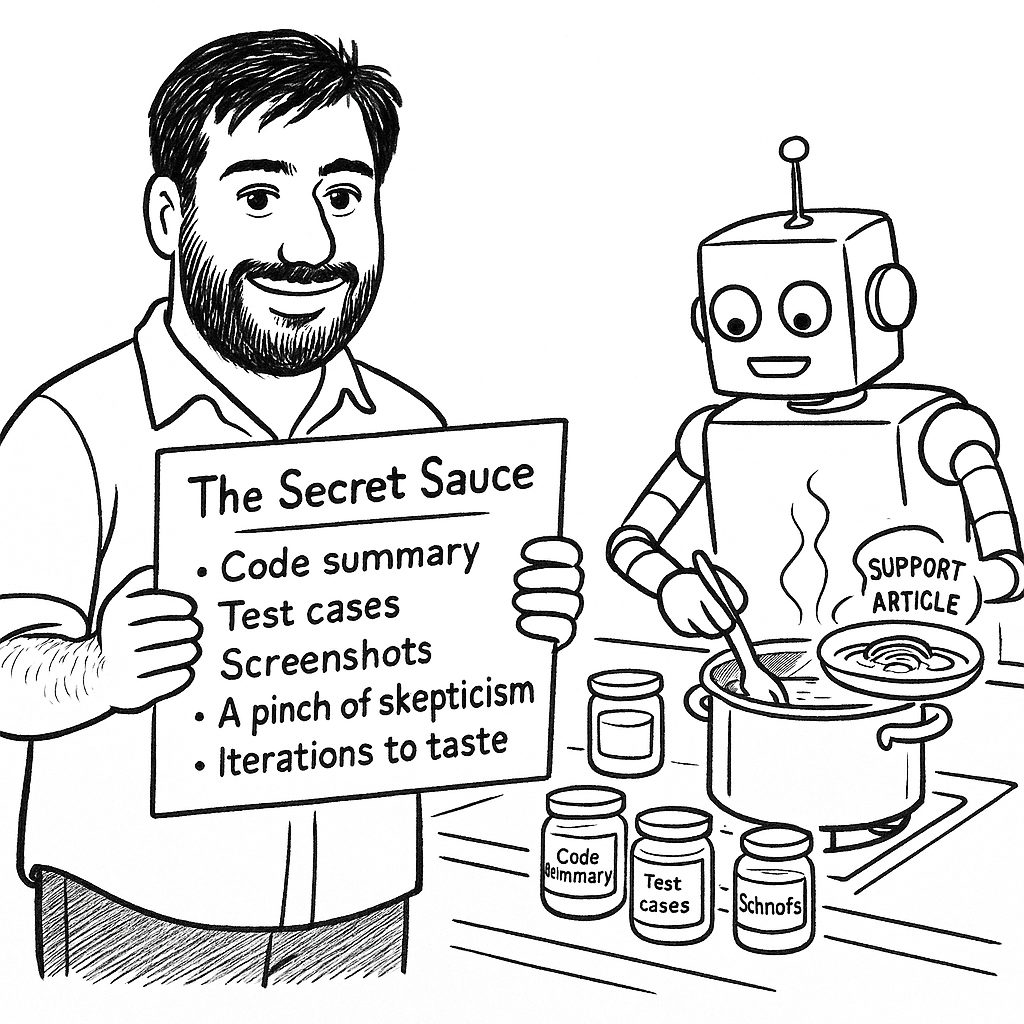
With a combination of all three, we ensured (to a large extent) that: the AI was not hallucinating navigation paths, button labels, field labels, section headings, etc because it could actually “see” the feature in action — just like a human would; the AI was accurately aware of all the edge-cases being handled by the system because it had read the manual test cases that were executed during QA; and overall grounding context was provided by the actual source-code branch.
194 support articles migrated to the main domain. The Lighthouse (PageSpeed) scores for these pages have gone up from 60 → 95+. We have much better article search functionality. We currently have ~20 articles with AI-generated overlays and ~10 that have been fully written by this AI workflow (including taking automated screenshots).
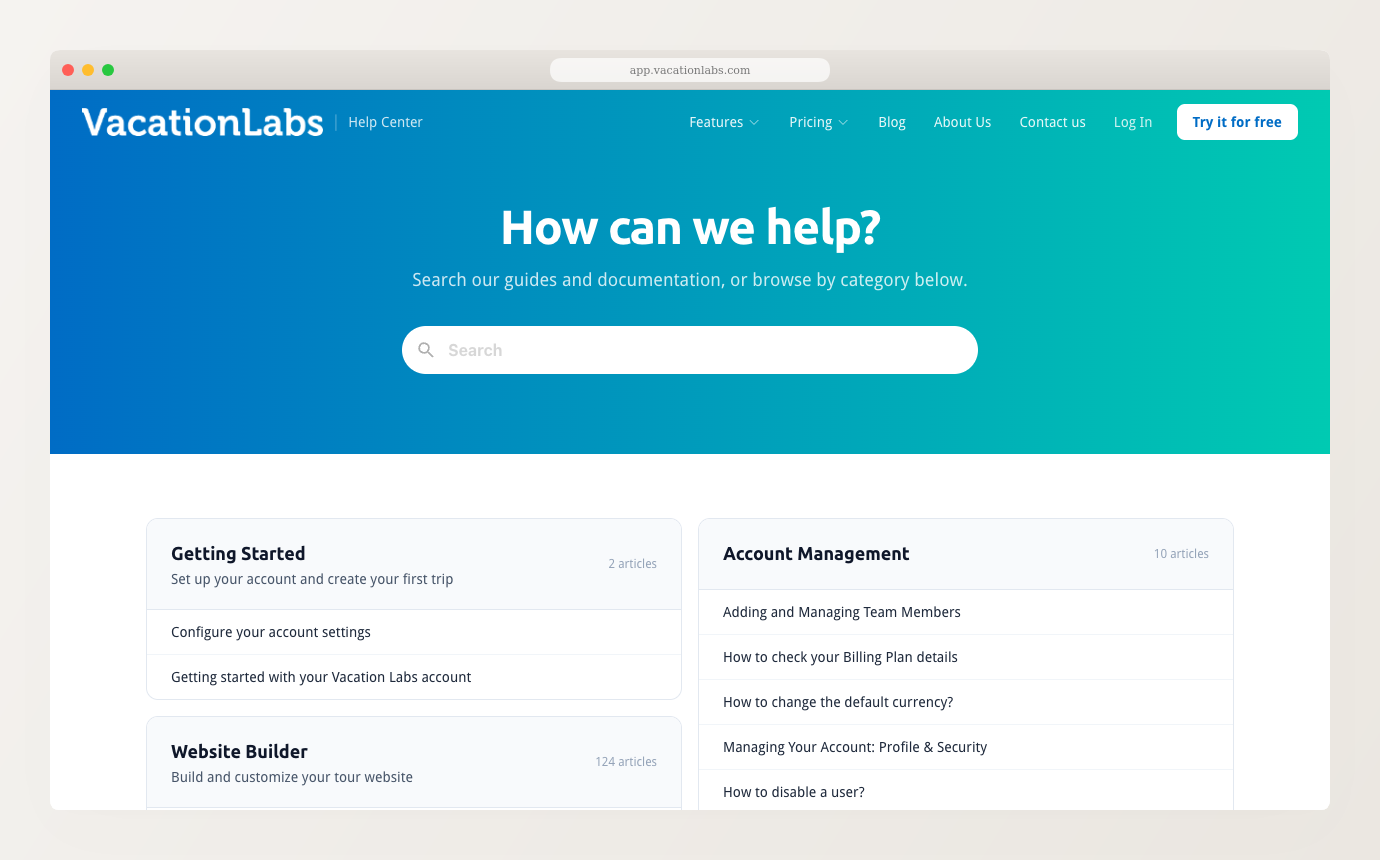
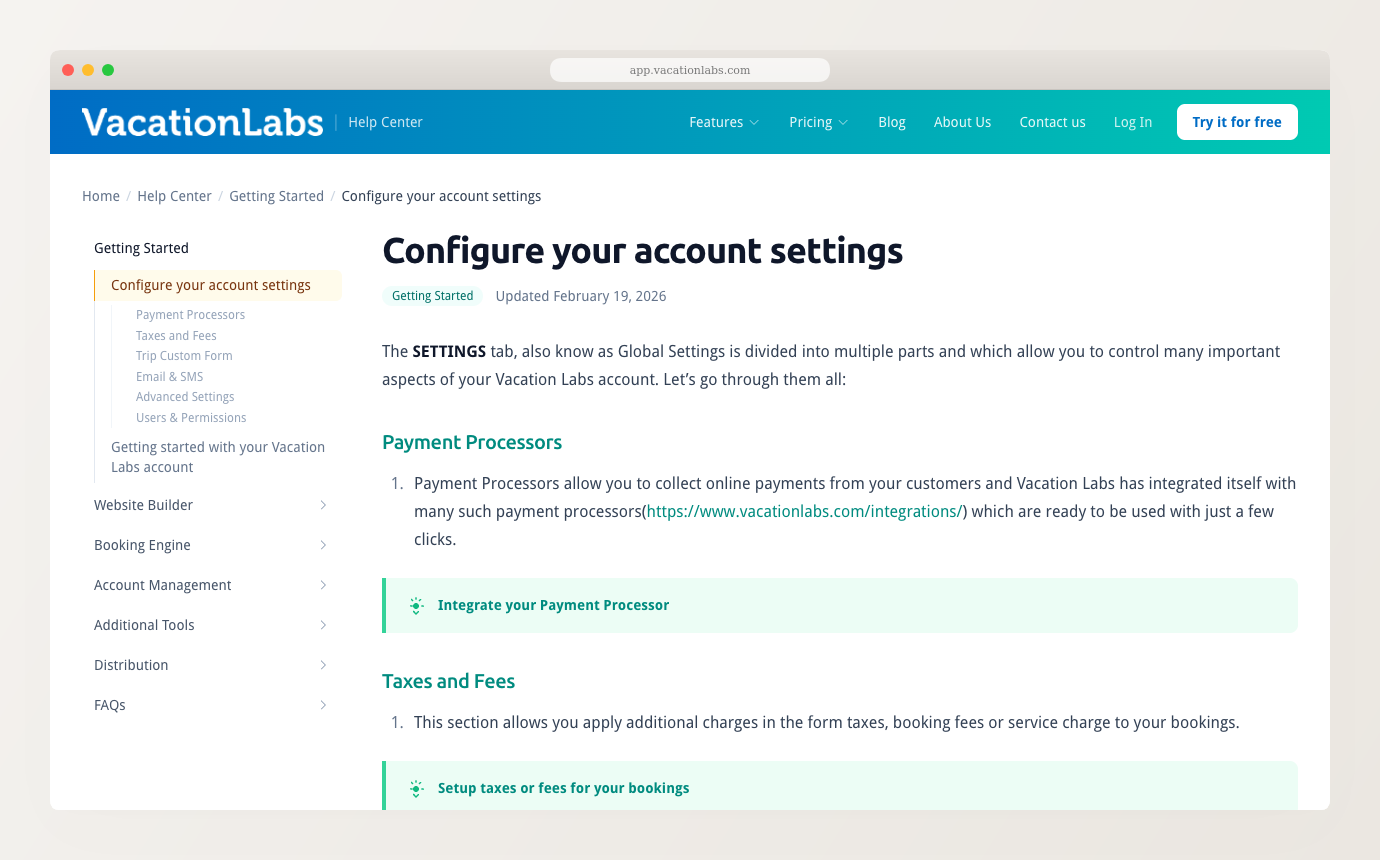
Just an aside — the above before/after screenshots were taken by the same AI workflow described in this post.
Getting AI to write code in a language (NodeJS) and framework (Astro) that I was not intimately aware of, was a real productivity boost. I vibe-coded two large parts of this workflow: (a) the “Zoho Desk => Self-hosted” converter, and (b) the microsite generator for the support articles. Having said that, Claude Code made a whole bunch of very questionable choices[8] during the whole vibe-coding process. I was able to catch and correct them, mostly due to years of experience resulting in deeply ingrained software engineering principles (which are language/framework agnostic). Every time I use AI, I find myself wondering how someone who is not a domain expert would react to these errors.
Getting AI to not hallucinate is harder than it seems. AI output looks plausibly correct and if you’re not paying attention it is very easy to get fooled. For this reason, we still don’t have a fully autonomous workflow. Our workflow/prompt explicitly forces the AI to stop and check critical things with the user. Having said that, the new AI-assisted workflow allows us to quickly complete a recurring task that was earlier always relegated to “low priority” and didn’t get done for weeks, or months. What used to take 2-3 days (or simply never got done) now takes 1-2 hours, even if a human still needs to be involved.
Take a look at a few articles written end-to-end using the latest AI workflow:
playwright-cli and was a very interesting “side-quest” of writing tooling on top of playwright-cli to make it token-efficient for AI usage for our particular use-case. ↩1fr) for the article layout which doesn’t constrain content width — long code blocks overflowed the viewport until I switched to Flexbox. Got Pagefind’s config API wrong (basePath vs baseUrl), causing search 404s across the entire help center. Used the Turndown HTML→Markdown library without accounting for MDX-specific escaping, silently breaking 13 articles. All plausible choices that work in the general case but broke on this specific setup. ↩