Add dropdowns and number fields to your inquiry forms

Add dropdowns and number fields to your inquiry forms

Release Notes July 31, 2026

Dropdowns and number fields on your inquiry forms

Your inquiry forms can now ask two kinds of question they could not ask before.

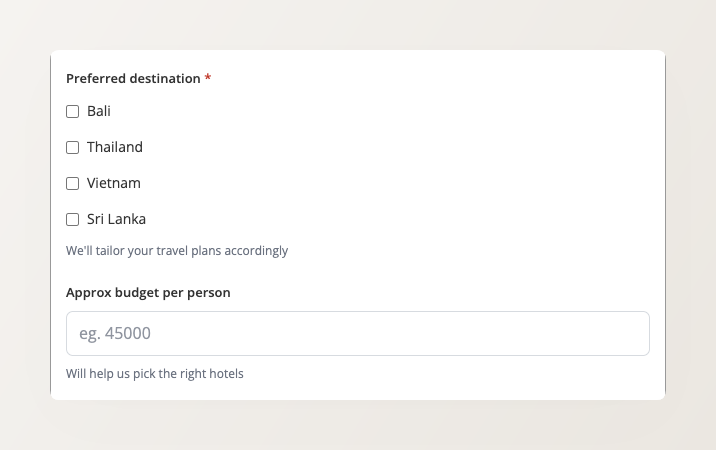
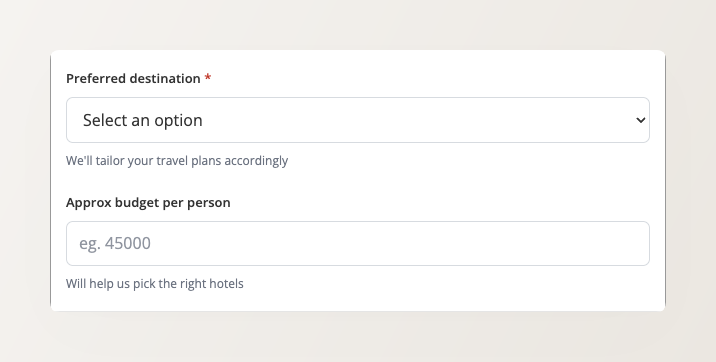
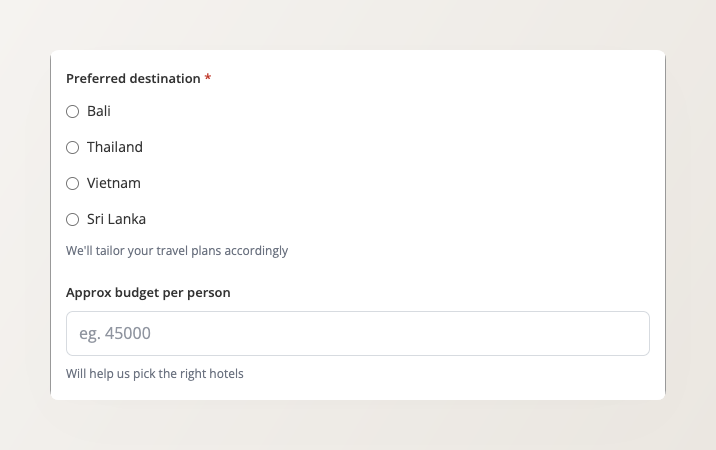
Choice fields offer a fixed list of answers, shown as a dropdown, radio buttons or checkboxes. A visitor picks instead of typing, so the destination they name is one you actually sell, and you are not left interpreting free text. With checkboxes you can also set how few or how many options they may tick.
Number fields can be used for things like “rooms required” or “budget per person”. (For passenger counts, continue using the special Pax count field.)

Both types are checked on submission, appear in your backoffice inquiry views, and flow through to your CSV exports and your API and webhook integrations.
Reassure visitors just before they submit

Inquiry forms can now show a short, quiet line alongside the submit button. It answers the “what happens now?” a visitor has in the moment just before handing over their phone number.
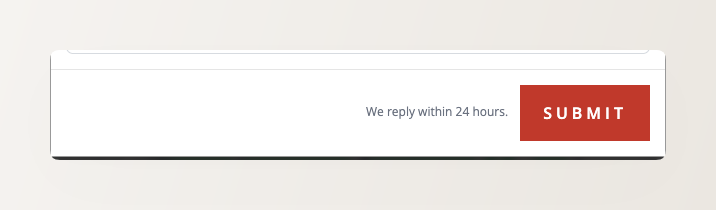
The foot of an inquiry popup showing the line We reply within 24 hours beside the submit button.

Be specific. “We reply within 24 hours.” answers the question a visitor is actually asking. “No spam, promise.” does not.

Set the line under Customer-facing text & email settings in the form editor, and leave it blank to hide it.

Build and configure your inquiry forms →
Also see Inquiry Forms on Your Website for putting a form on a tour page or any other page

Set-up dynamic pricing for your tours right away

Sign up today and get a free 14-day trial!