Release Notes
New features, improvements, and fixes shipped to your Vacation Labs account.

Built-in Analytics: your traffic, your top tours, and what actually converts
See where your traffic comes from — and which sources actually book Your backoffice now has a built-in Analytics section that answers the two questions tour operators ask us most often: “where does my website traffic come from?” and “which of those sources actually produce bookings and inquiries?” It works from day one, with nothing […]
Read more →
Email and WhatsApp Messaging, Levelled Up
Send a one-off email from any booking, inquiry, or departure Until now, sending a personal email to a customer meant leaving the backoffice, opening Gmail (or another email tool), and copying booking details across. There was no way to attach the customer’s trip PDF, drop in their first name automatically, or keep a record of […]
Read more →Link-preview images now show on social shares Fix
Links shared from your website to Facebook, WhatsApp, LinkedIn, X (Twitter), and other platforms now show the correct preview thumbnail. The preview image was previously referenced through a relative path that these platforms rejected as invalid, so no thumbnail appeared; it now uses a full web address.
Already-shared links may still show the old preview until the platform re-scrapes the page. Most platforms offer a sharing debugger that forces a refresh.
Choose any Google Font for your website
Choose any Google Font for your website Instead of choosing from a short fixed list, you can now set your website’s Heading Font and Body Font to any family from the full Google Fonts catalogue, and pick the exact weight and style (ExtraBold, Light, italic, and everything in between) for each.
Read more →Payment Re-sync and Auto-recovery for PayU India Improvement
PayU India payments now confirm automatically even when a customer doesn’t make it back to your website after paying. If they close the tab, lose connectivity, or their browser drops the redirect, PayU now notifies Vacation Labs directly, so a payment that actually succeeded is no longer left looking “pending” or “failed”. This brings PayU India in line with the auto-confirmation already in place for Razorpay.
Cleaner, SEO-friendly URLs for your collection & promotion pages
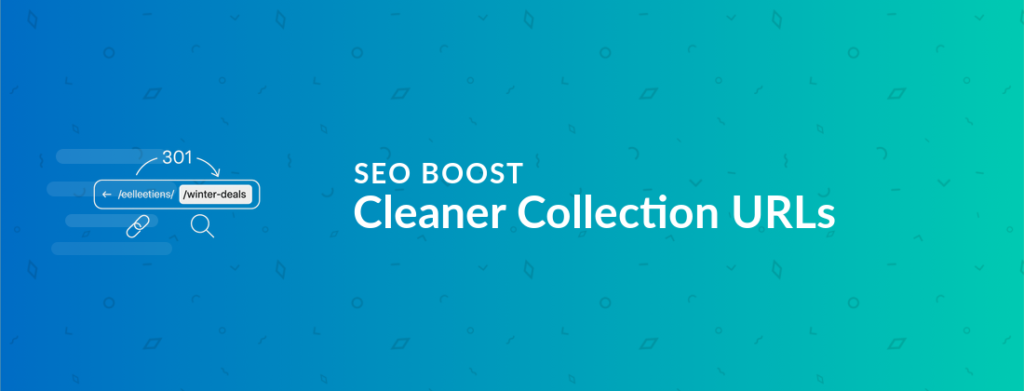
Cleaner, SEO-friendly URLs for collection & promotion pages This one is for everyone doing serious SEO work on their website — it was easily the most-requested URL change we heard from operators optimizing their search rankings. Your collection pages and coupon/promotion pages can now live at any web address you like, so a “Winter Deals” […]
Read more →Localization fixes: collection buttons and passenger warnings Fix
Why the change: most sites were overriding their own localization without realising this per-trip field existed. Rather than keep a setting that quietly shadows Localization, it has been removed; warning text is still customisable per language under Website > Localization.
Banner overlay color now covers the full banner width Fix
On banner slides with an overlay color set, a recent change had unintentionally narrowed the overlay to a column behind the banner text instead of tinting the full banner. The overlay color now covers the full banner width again, while the slide’s text and buttons still clear the left and right carousel arrows.

Manage all your photos and videos in the new Media Library
The new Media Library gives you one place to browse, search, and manage every photo and video on your website. Instead of hunting for an image across dozens of tours and pages, you see all your media in a single grid, find any item by name, and check exactly where it is used before you […]
Read more →